Enable the plugin
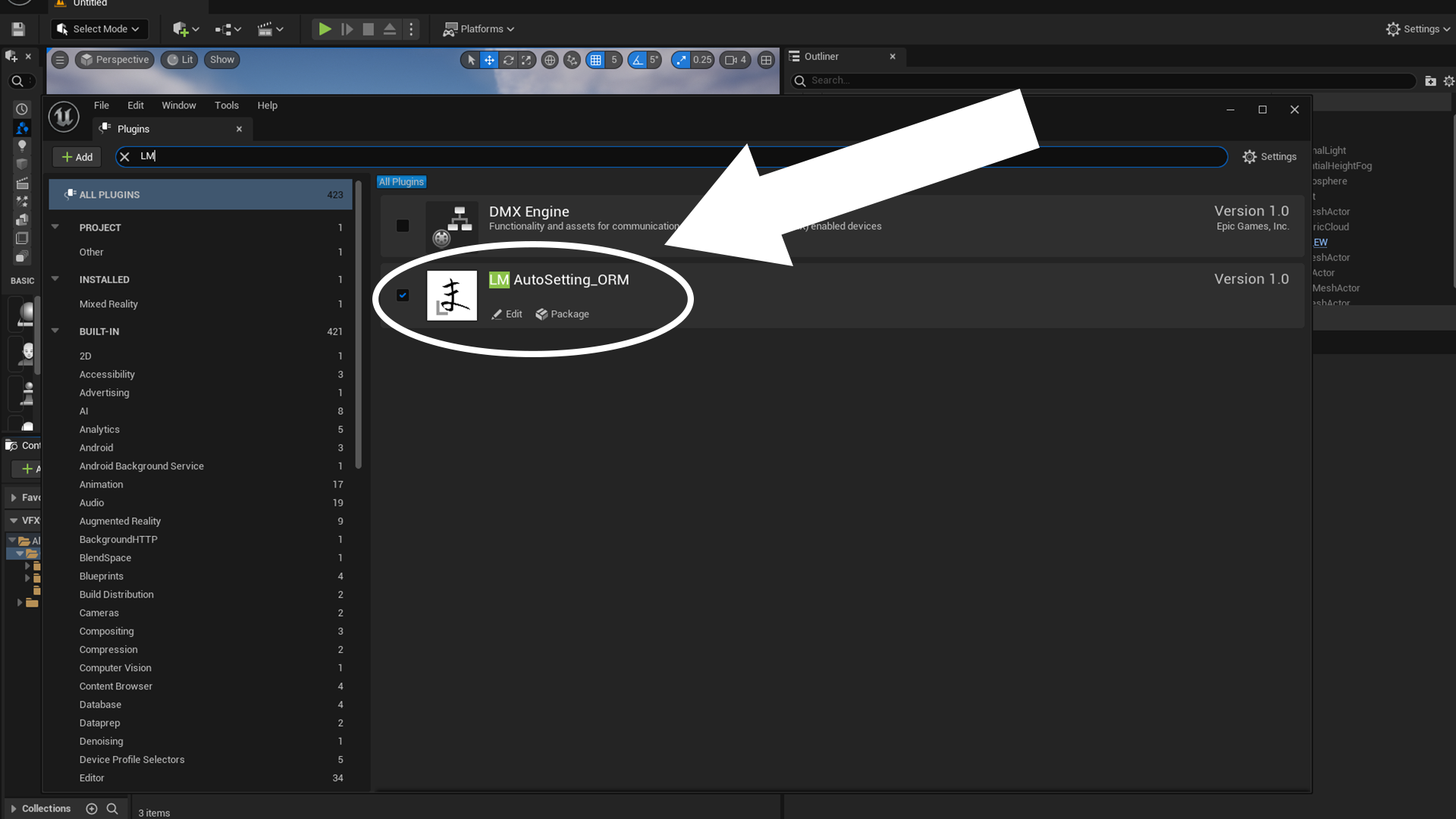
1.Click to select
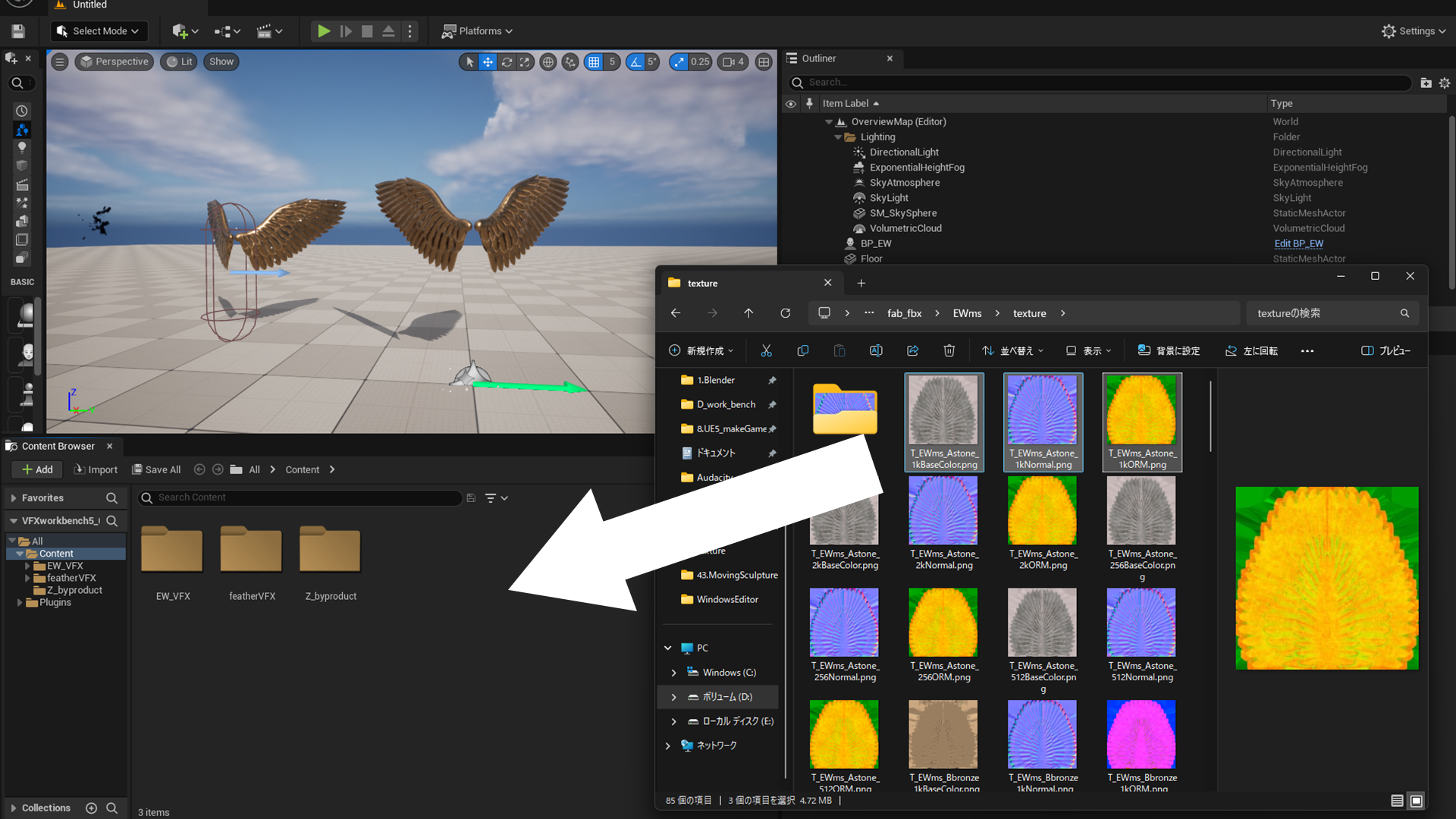
Import a texture by dragging and dropping it into the Content Browser.
2.complete
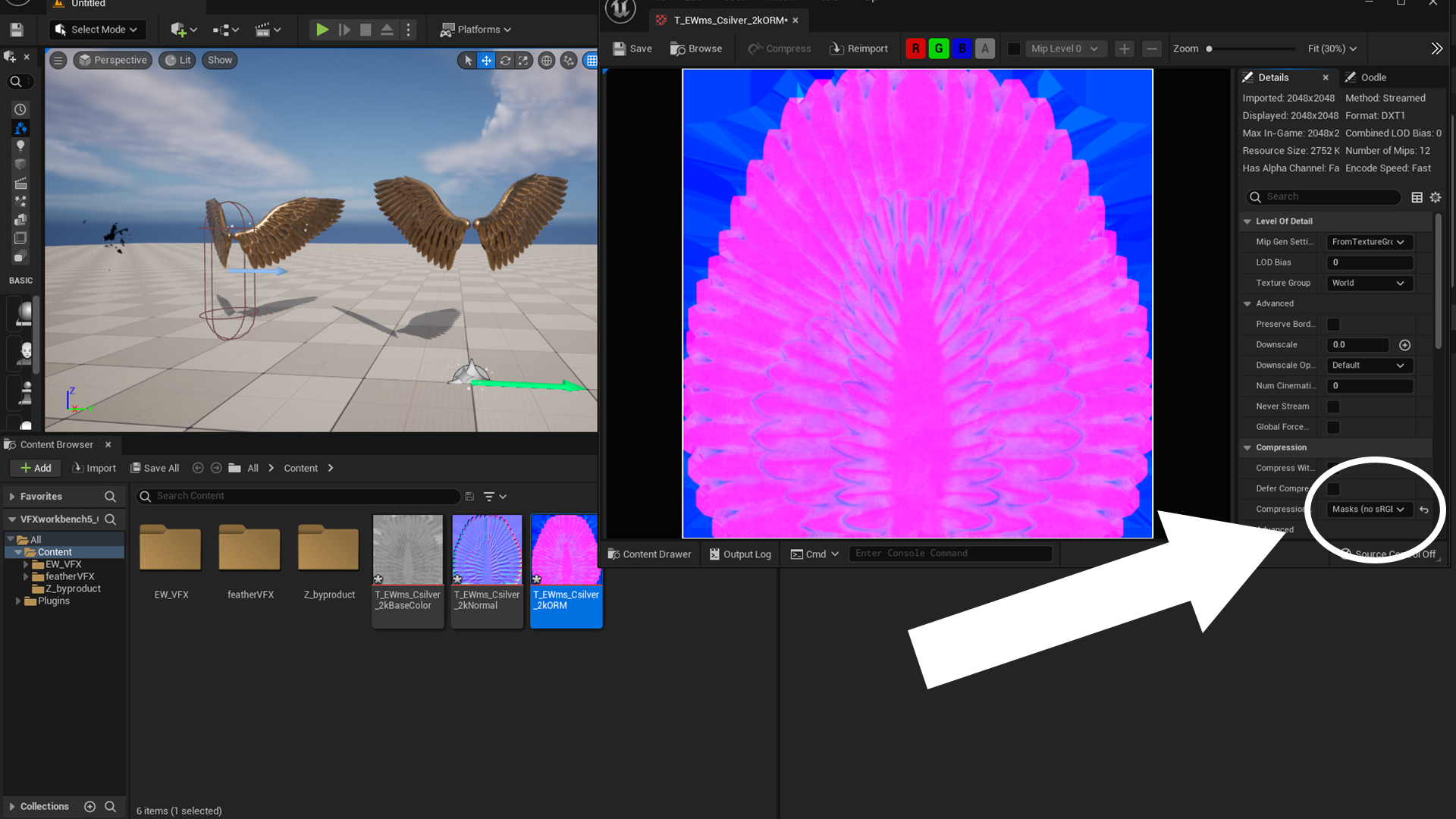
If a texture name ends with "ORM", the plugin will automatically set its Compression Settings to "Masks (no sRGB)". This indicates that the automatic configuration was successfully applied.